Partner Brand Kit

Opal
Brand Kit

Everything you need to represent Opal — the screen time app and Apple Design Award Finalist. Assets, guidelines, and usage rules — all in one place.

01 — Colors

Color System

Built on pure black and white. Gradients are reserved for in-app milestone moments — never as backgrounds or dominant elements.

Core Palette
Background
#000000
Main Text
#FFFFFF
Text Gradient
#BCBBC0 → #FFFFFF
Secondary
#BCBBC0
Surfaces
#3A3A3A
Gradient Accents — App Only
Gradient 01
#E2C9FF → #8CFFDD
Gradient 02
#A9CBFF → #B39AFF
Gradient 03
#D4FF9C → #9EF9FF
Gradient 04
#EDC9F2 → #EDFF4A
Gradient 05
#ECB8FF → #FFD6AA
02 — Typography

Type System

SF Pro Text across all touchpoints. Five weights — Light to Bold — covering every use case from ambient labels to hero headlines.

Bold — Headlines
Focus is hard.
We made it easier.
SF Pro Text Bold · 700 · −0.04em · #FFFFFF
Semibold — Subheadings
The #1 Screen Time App
SF Pro Text Semibold · 600 · −0.02em · #FFFFFF
Medium — Body
Opal helps you take control of your screen time and find your flow — without willpower, guilt, or tracking every tap.
SF Pro Text Medium · 500 · #BCBBC0
Regular — Secondary Text
Used for supporting copy, descriptions, and extended reading. Comfortable weight for longer passages.
SF Pro Text Regular · 400 · #BCBBC0
Light — Ambient & Display
Time well spent
SF Pro Text Light · 300 · −0.02em · rgba(255,255,255,0.7)
↓ Bold OTF ↓ Semibold OTF ↓ Medium OTF ↓ Regular OTF ↓ Light OTF
03 — Logos

Logo Usage

Always use as provided. Never recreate, recolor, stretch, or apply effects.

Wordmark
Opal White
Opal Black
Crest
Crest White
Crest Black
Co-branding: Both logos must be the same optical height. Separate with equal spacing or a thin divider.
04 — App Icon

App Icon

Use as provided. Do not crop, reshape, add borders, or modify.

Opal App Icon

Opal App Icon

Display at its original rounded-square shape. Do not place inside another container or add shadows.

↓ Download PNG
05 — Gems

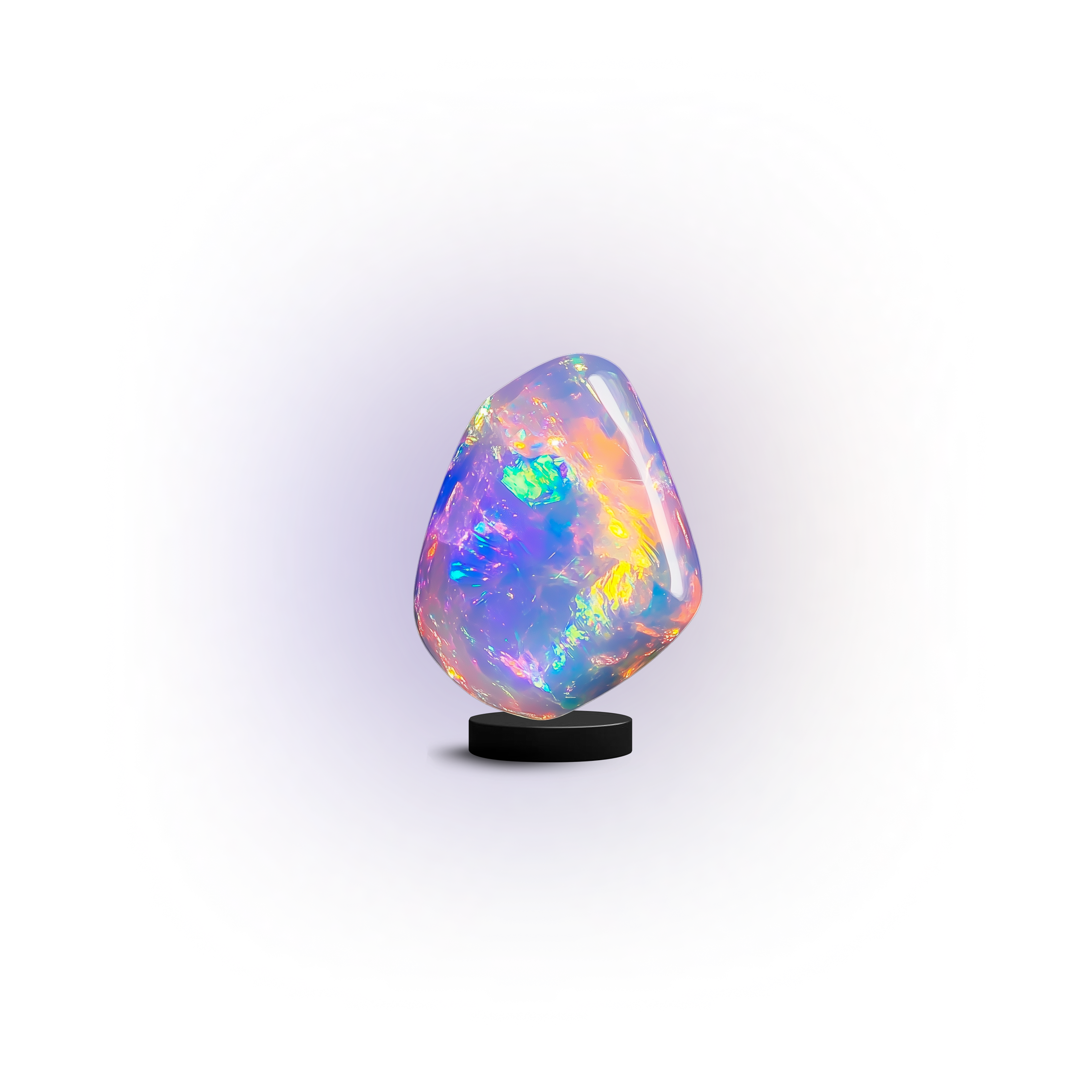
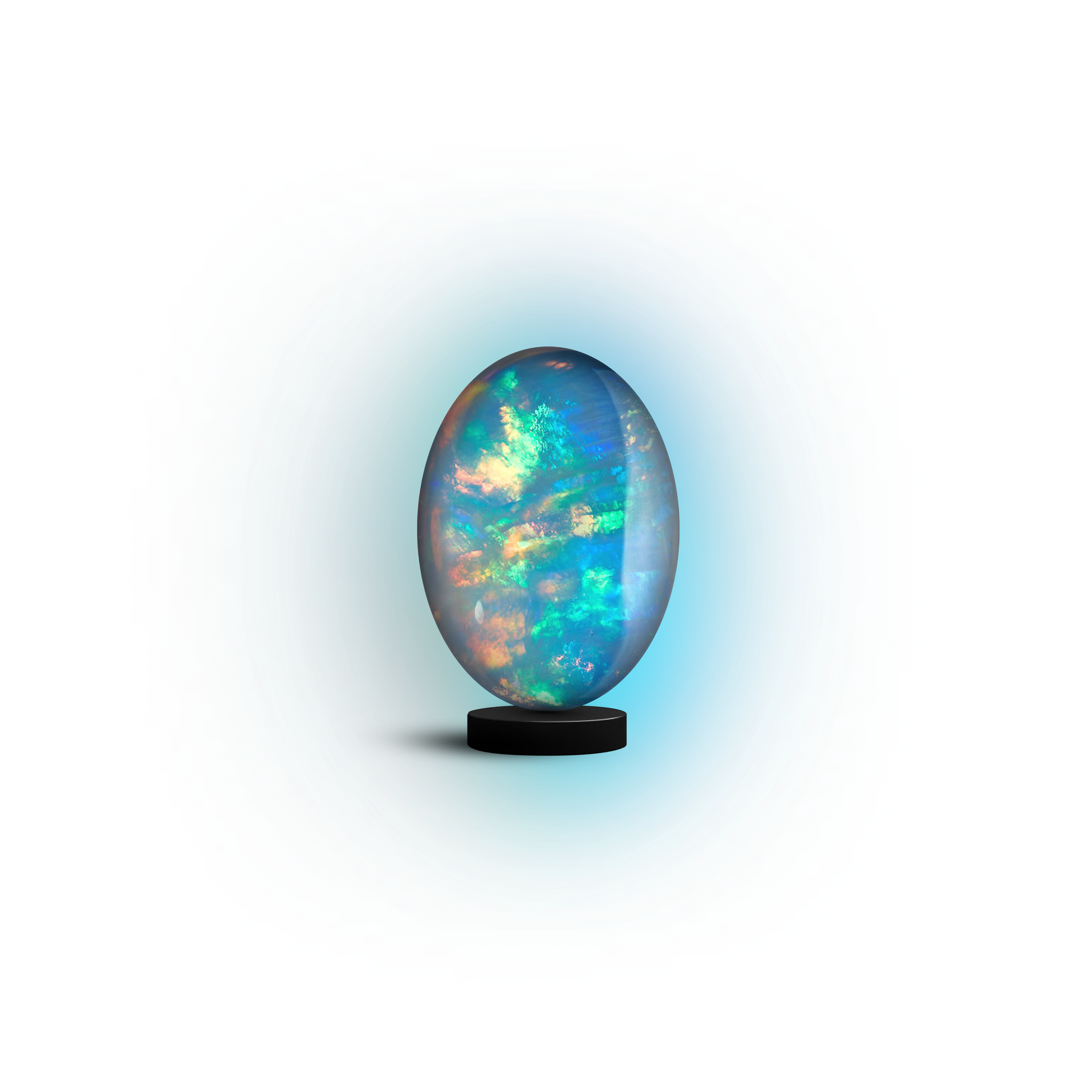
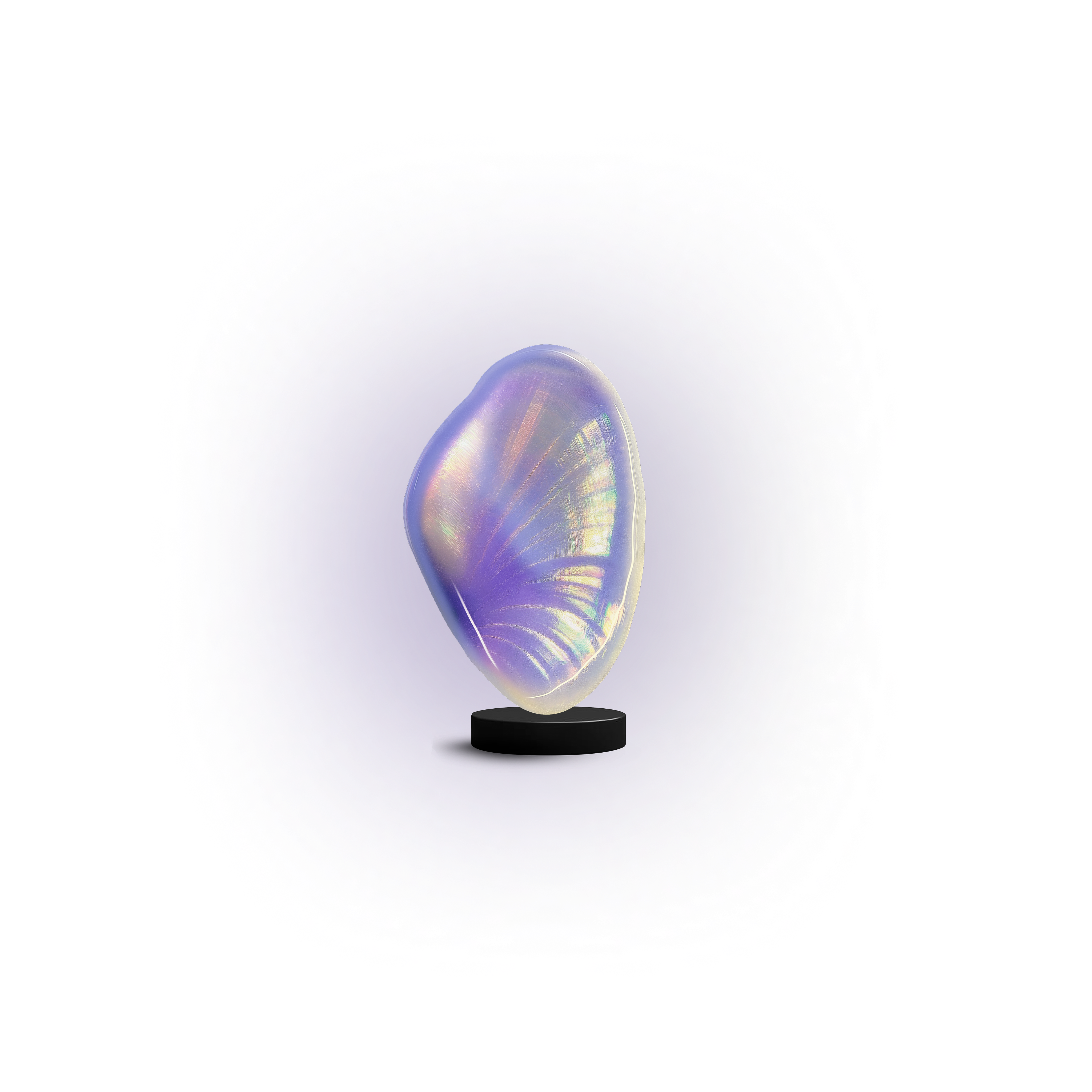
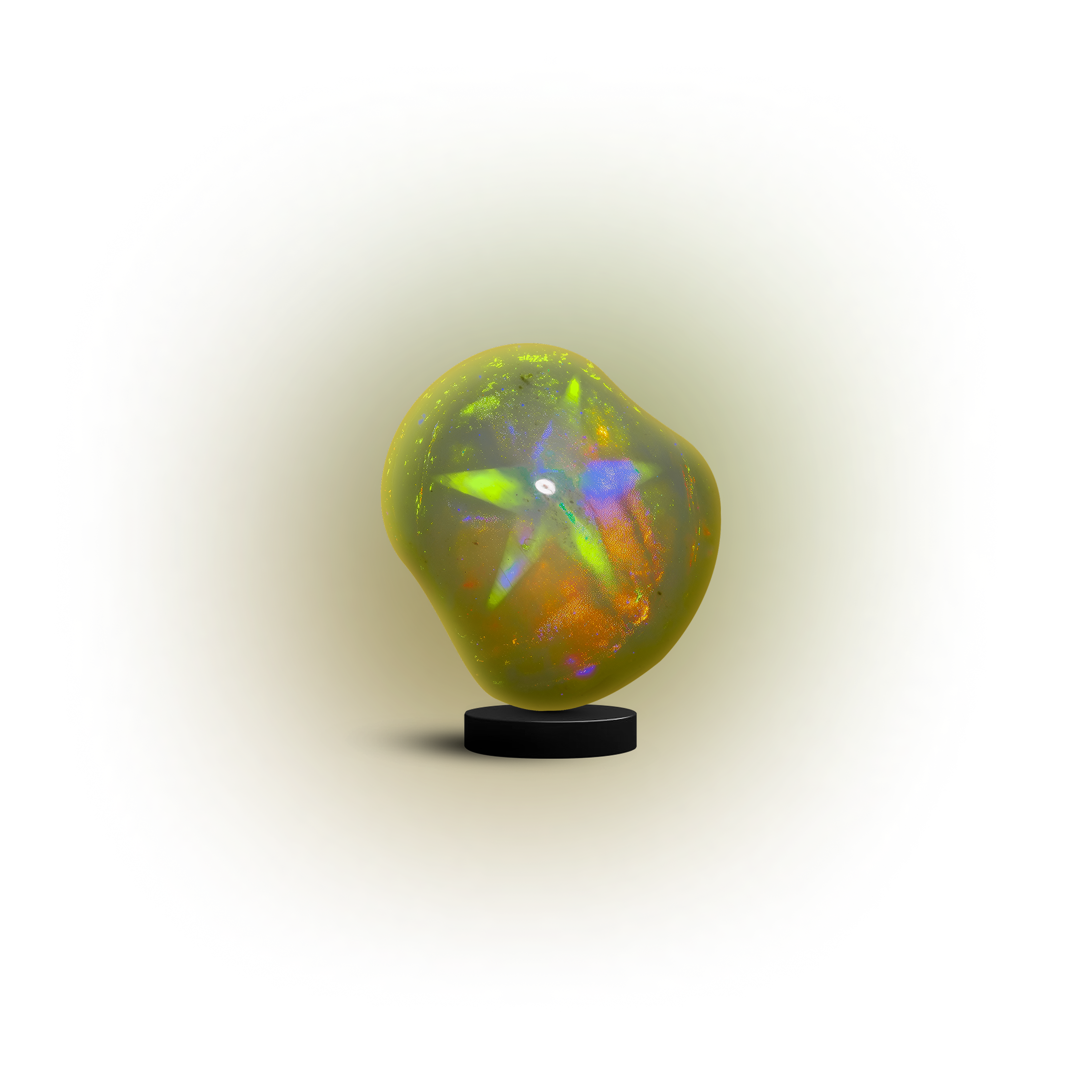
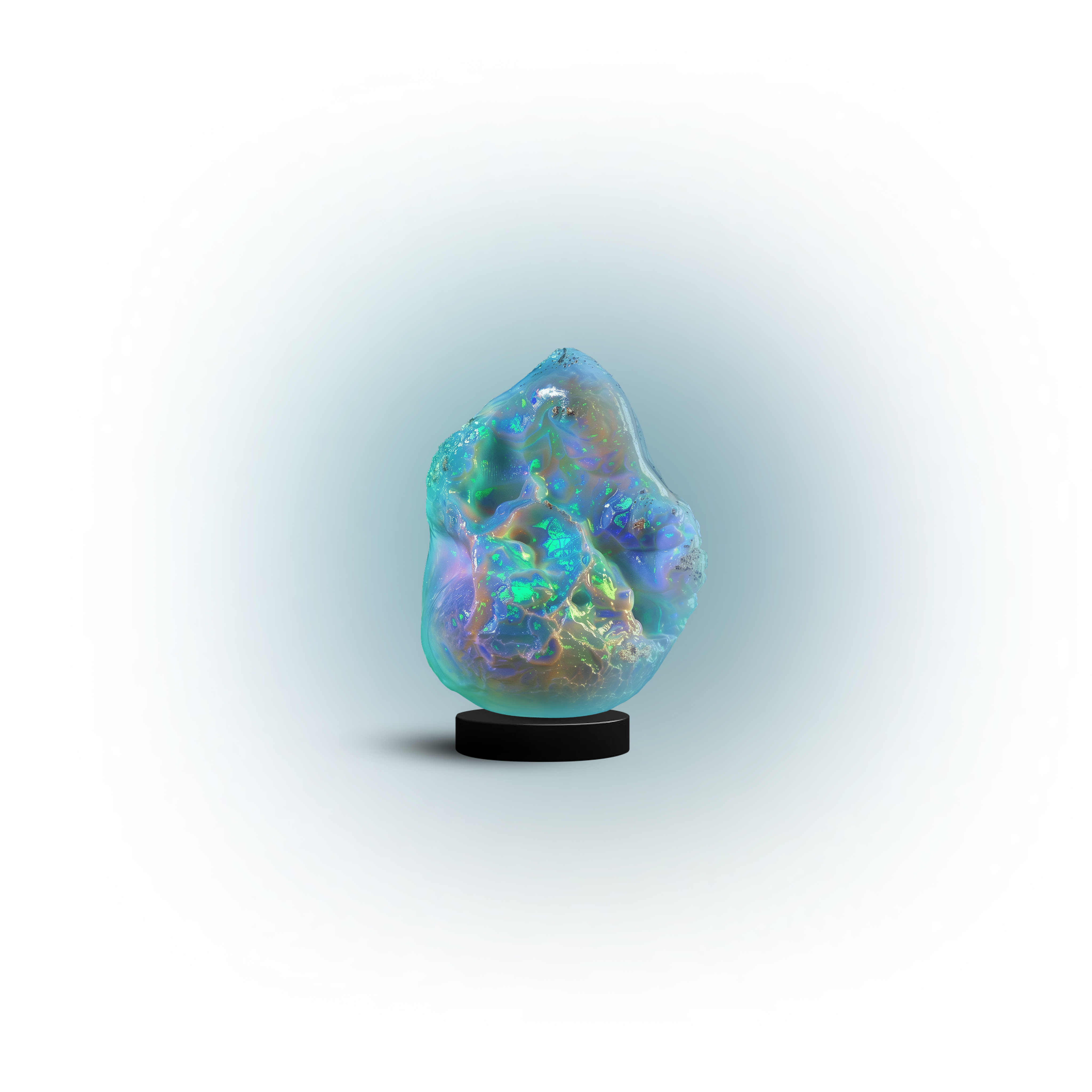
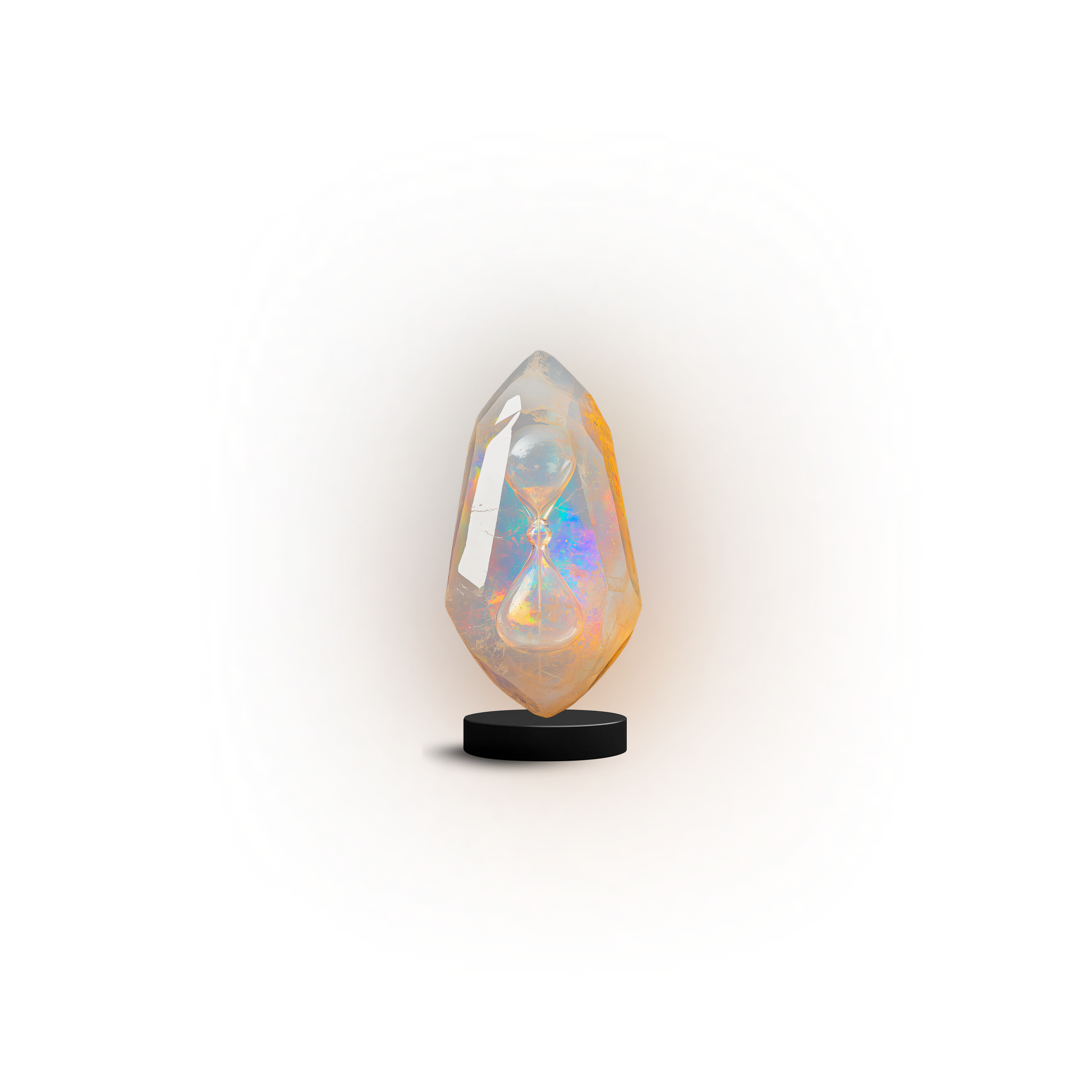
Focus Gems

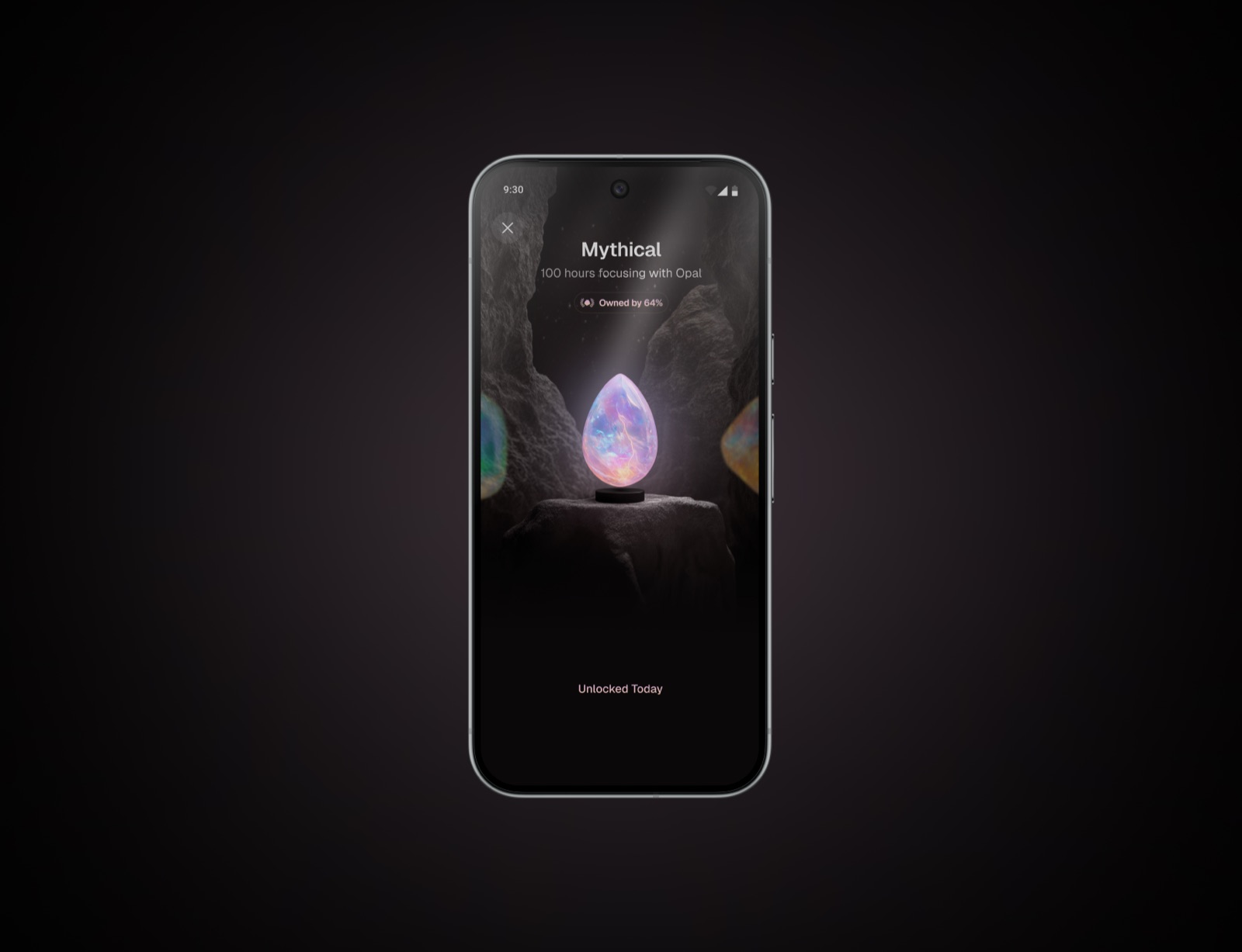
3D gems representing focus milestones. Always on pure black. Never crop, recolor, or overlay text.

Milestone 5
Milestone 5↓
Milestone 6
Milestone 6↓
Milestone 7
Milestone 7↓
Milestone 8
Milestone 8↓
Milestone 13
Milestone 13↓
Milestone 14
Milestone 14↓
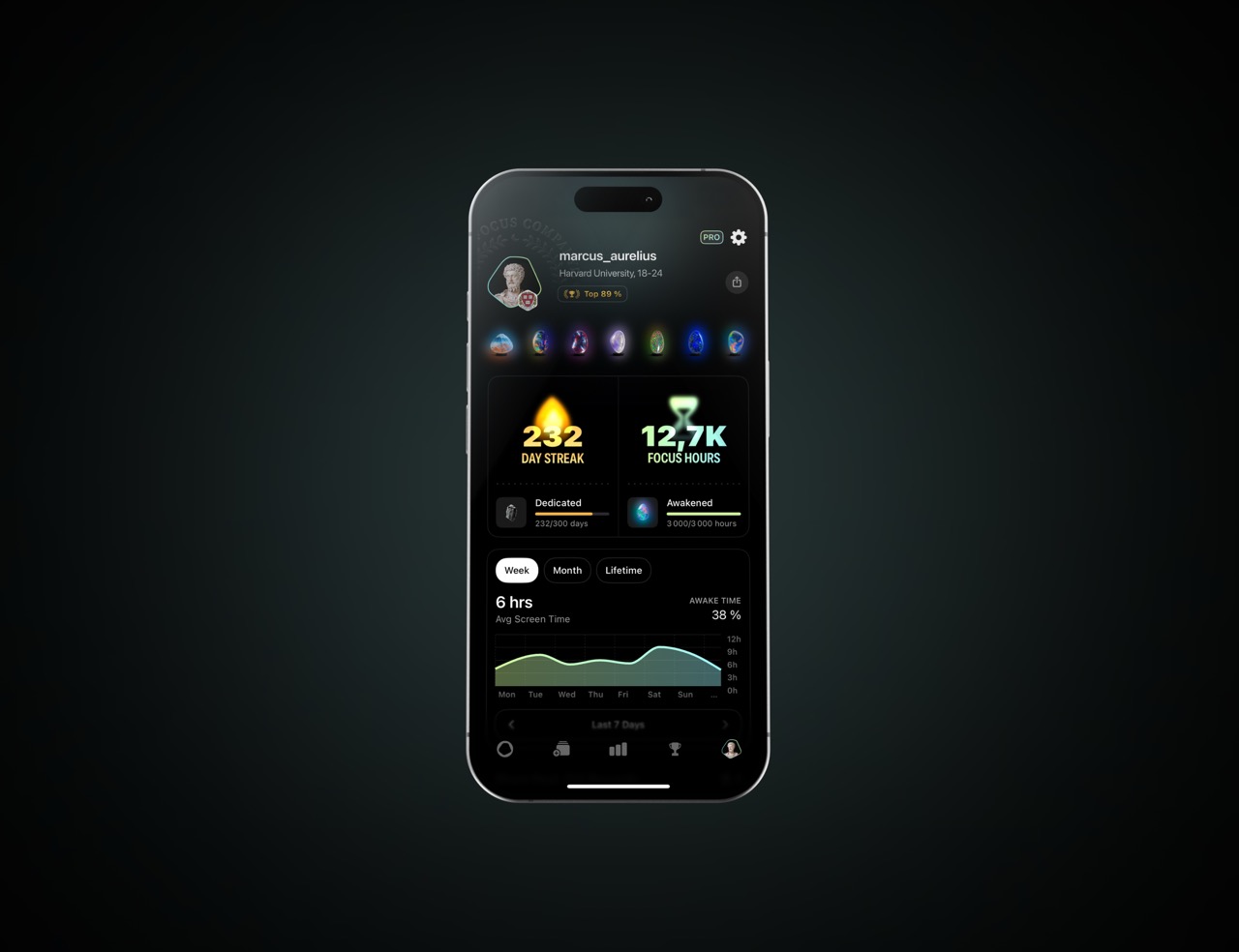
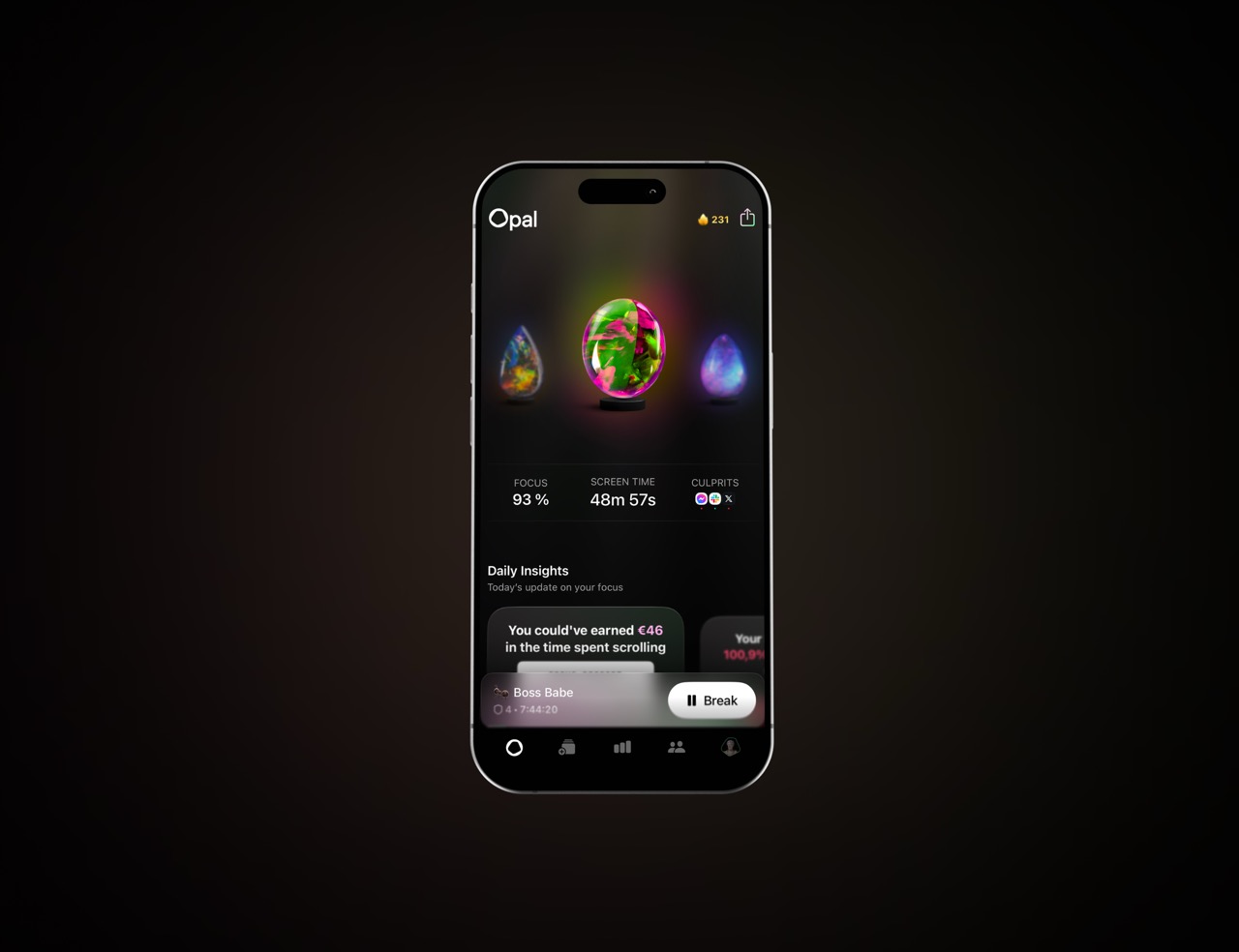
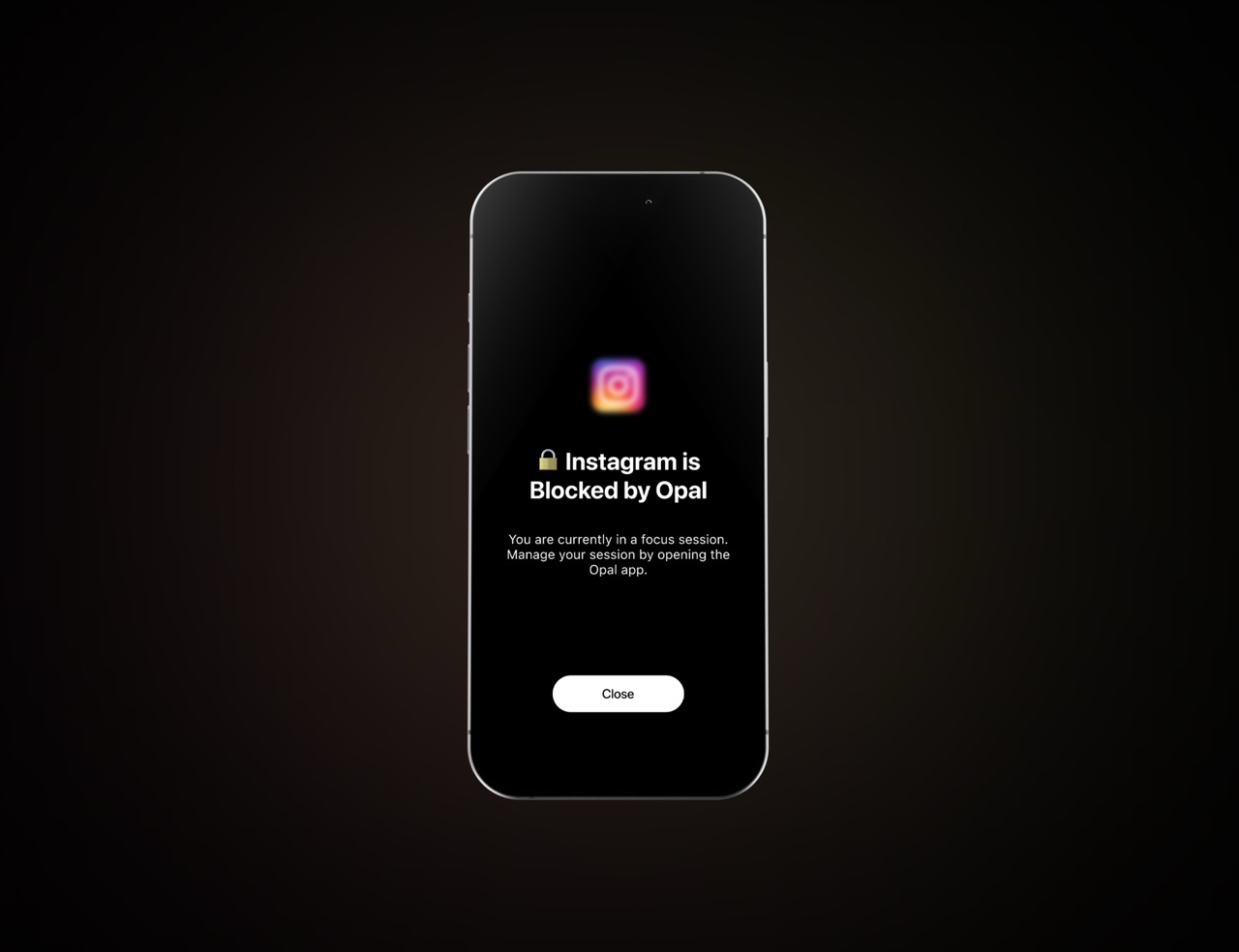
06 — Screenshots

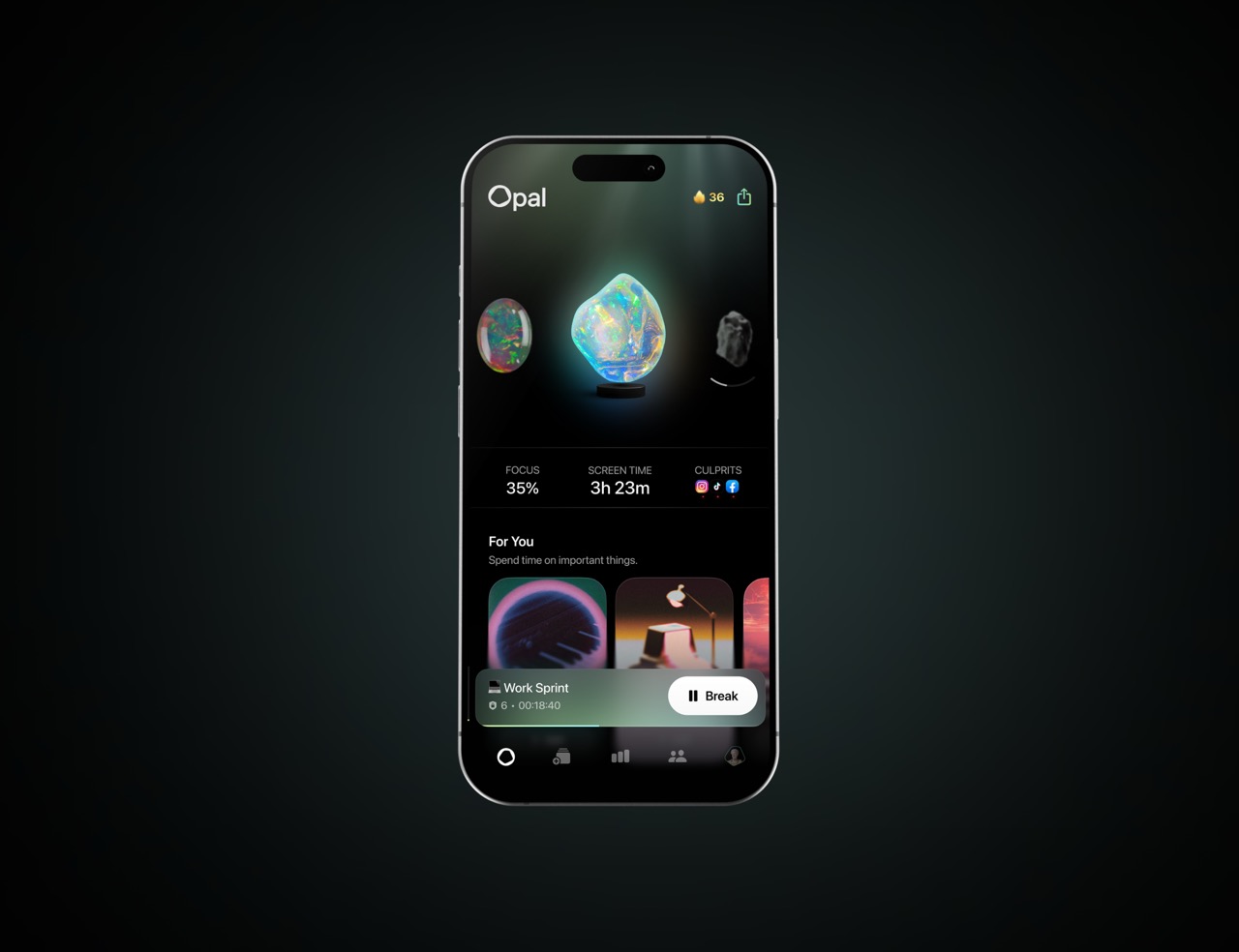
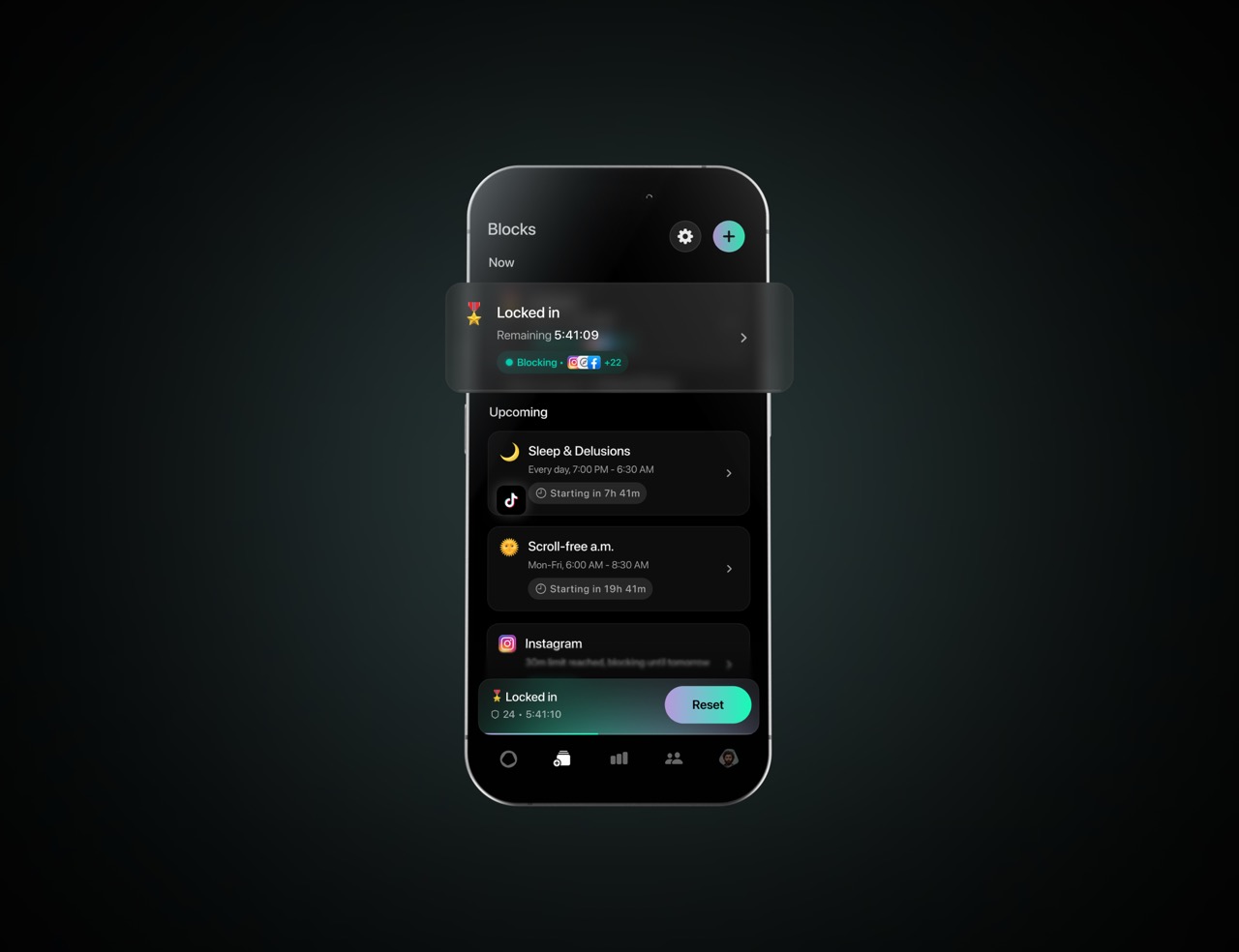
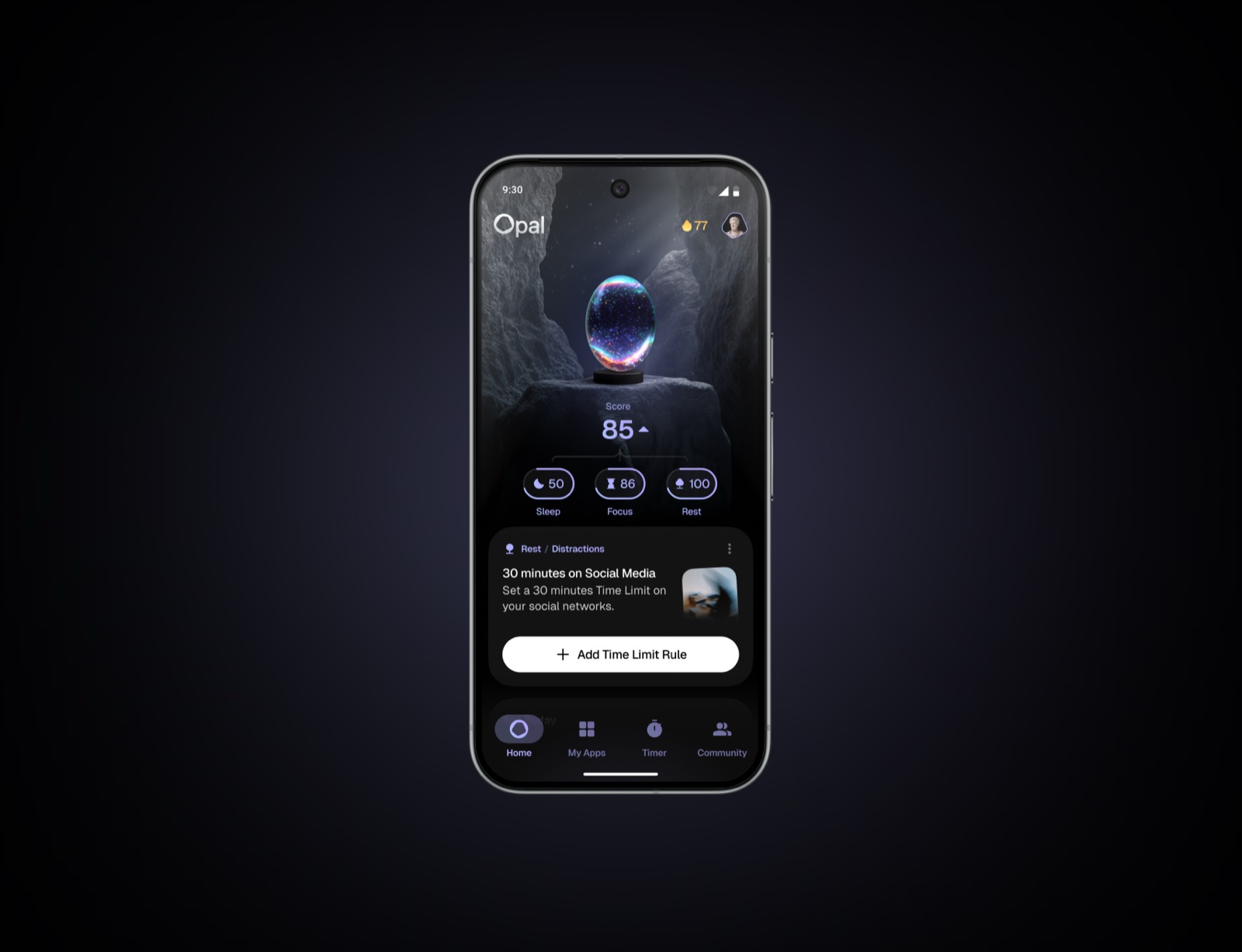
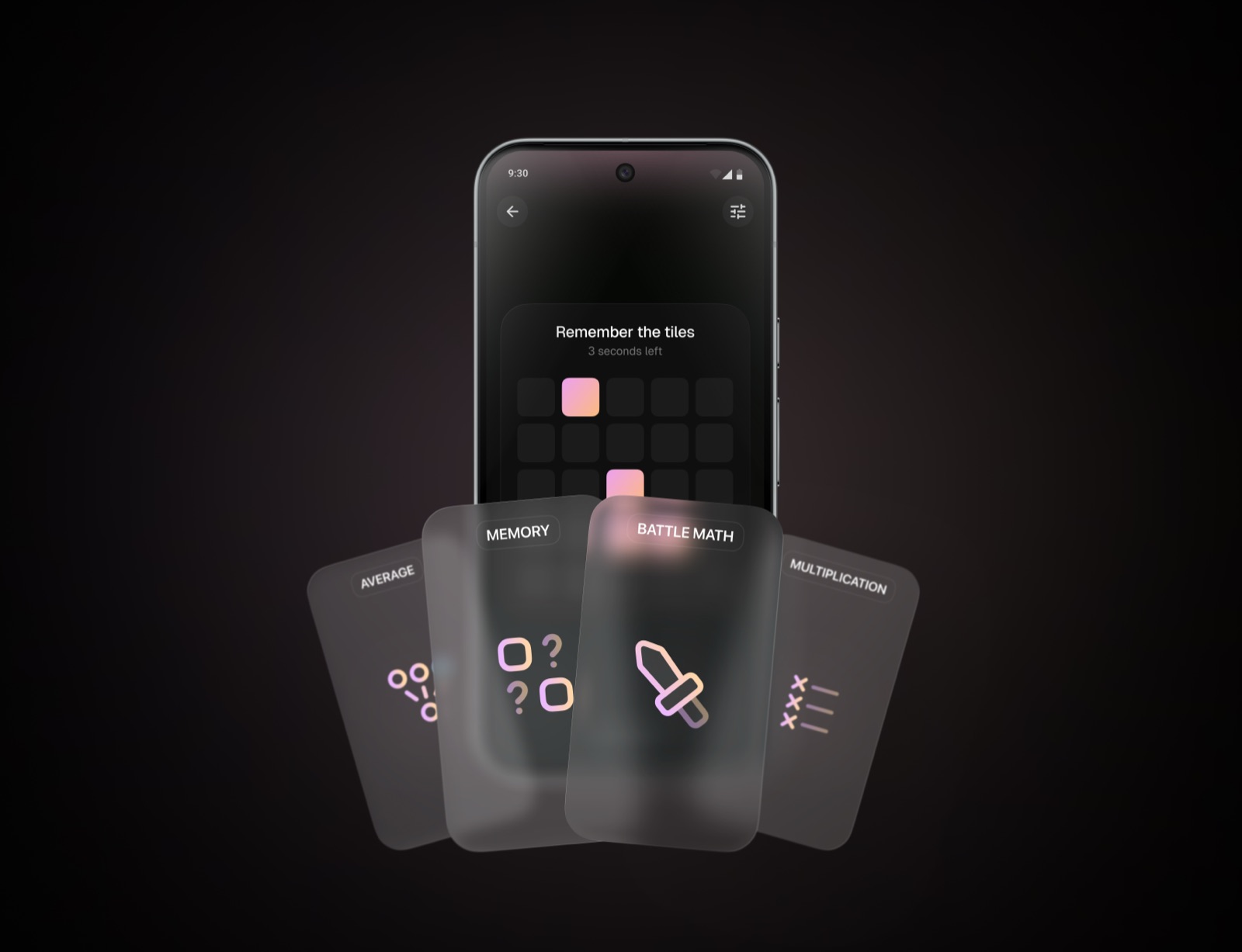
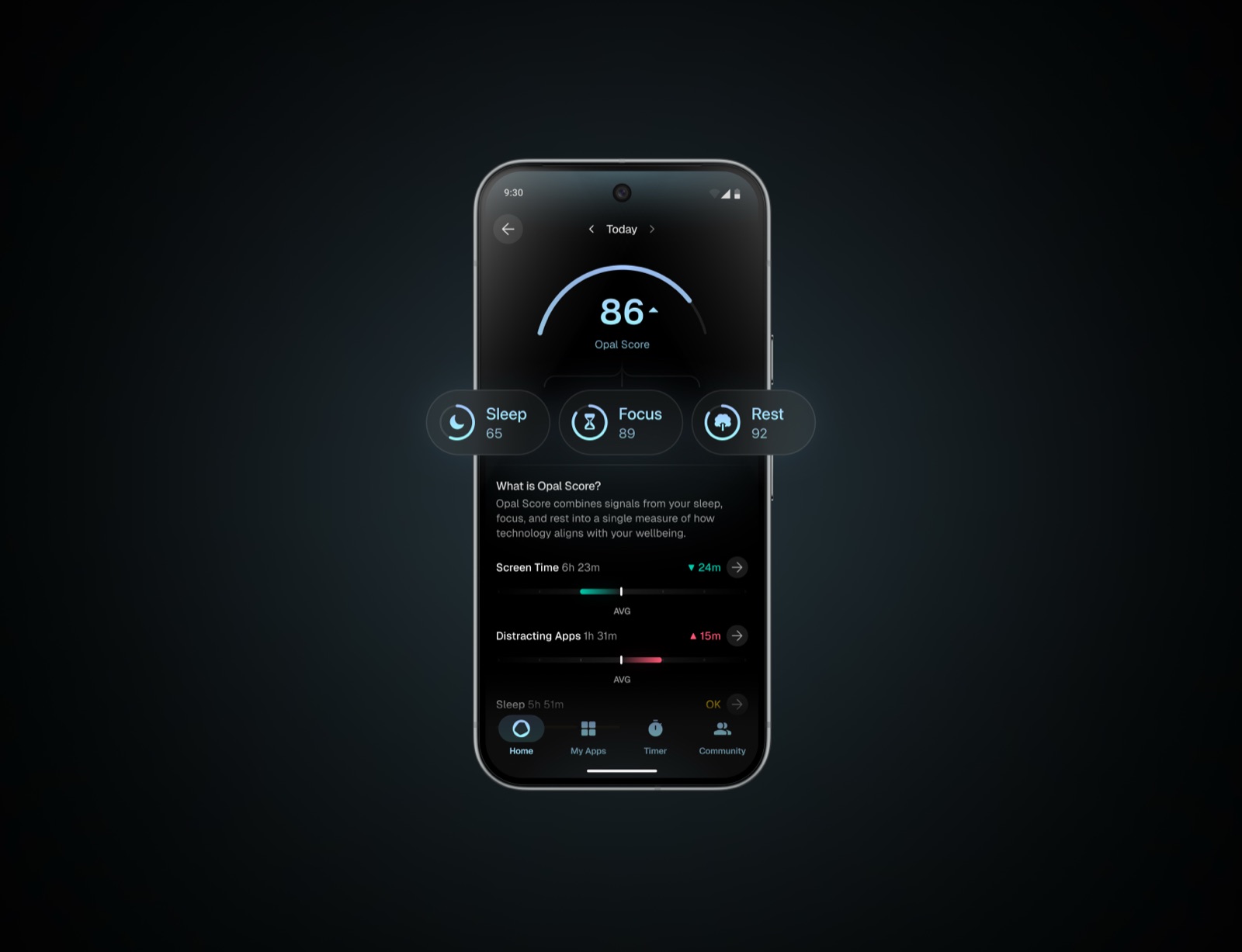
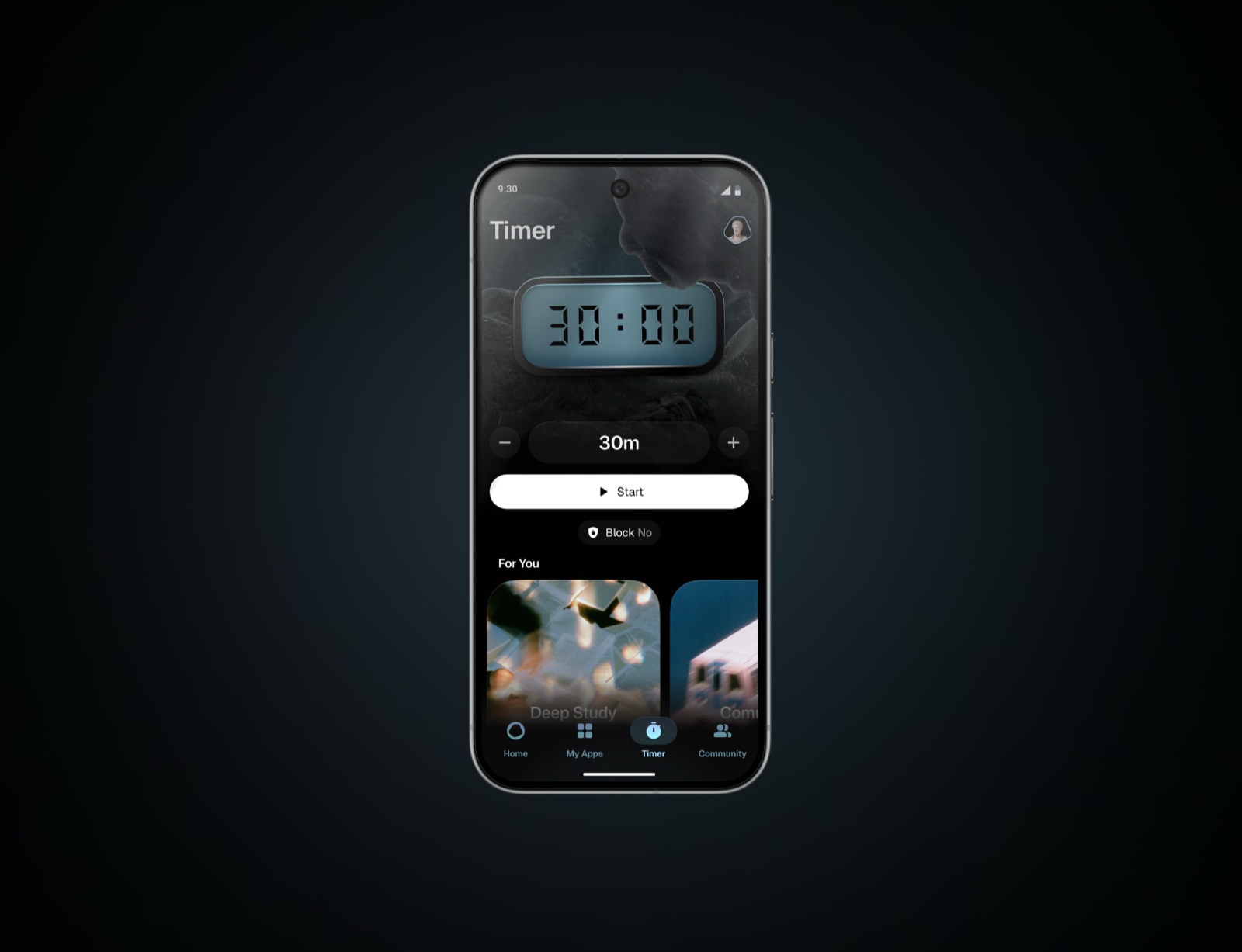
App Screenshots

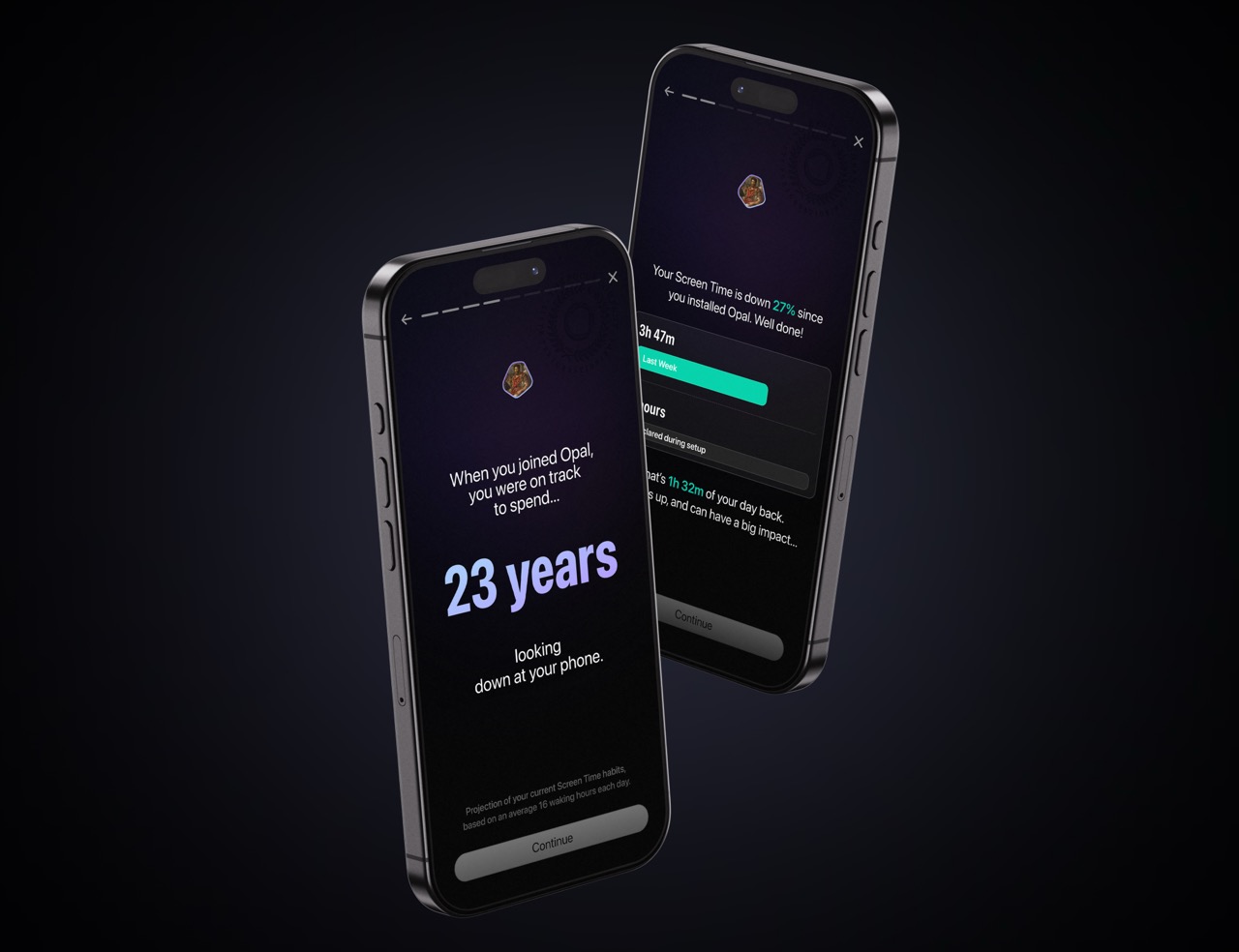
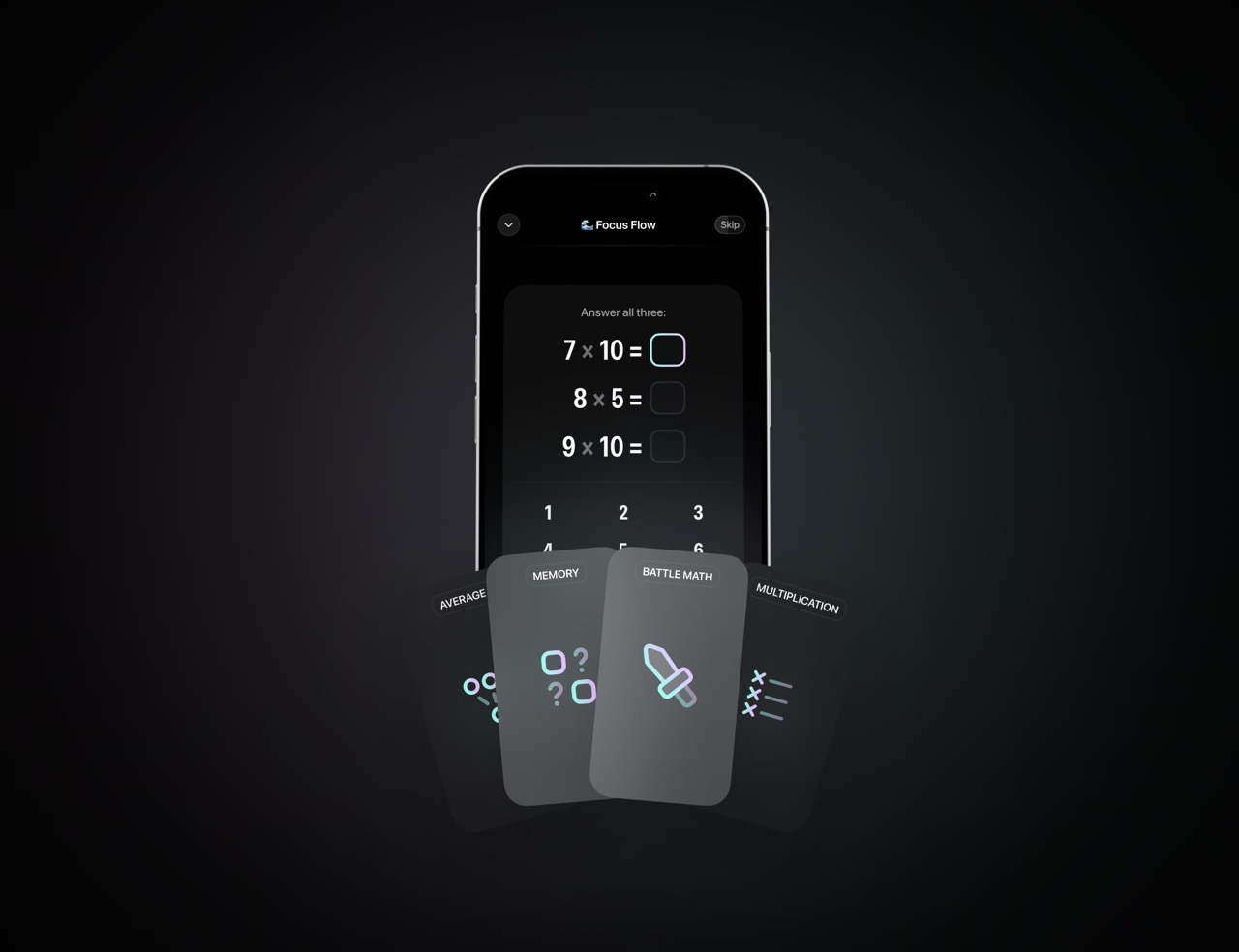
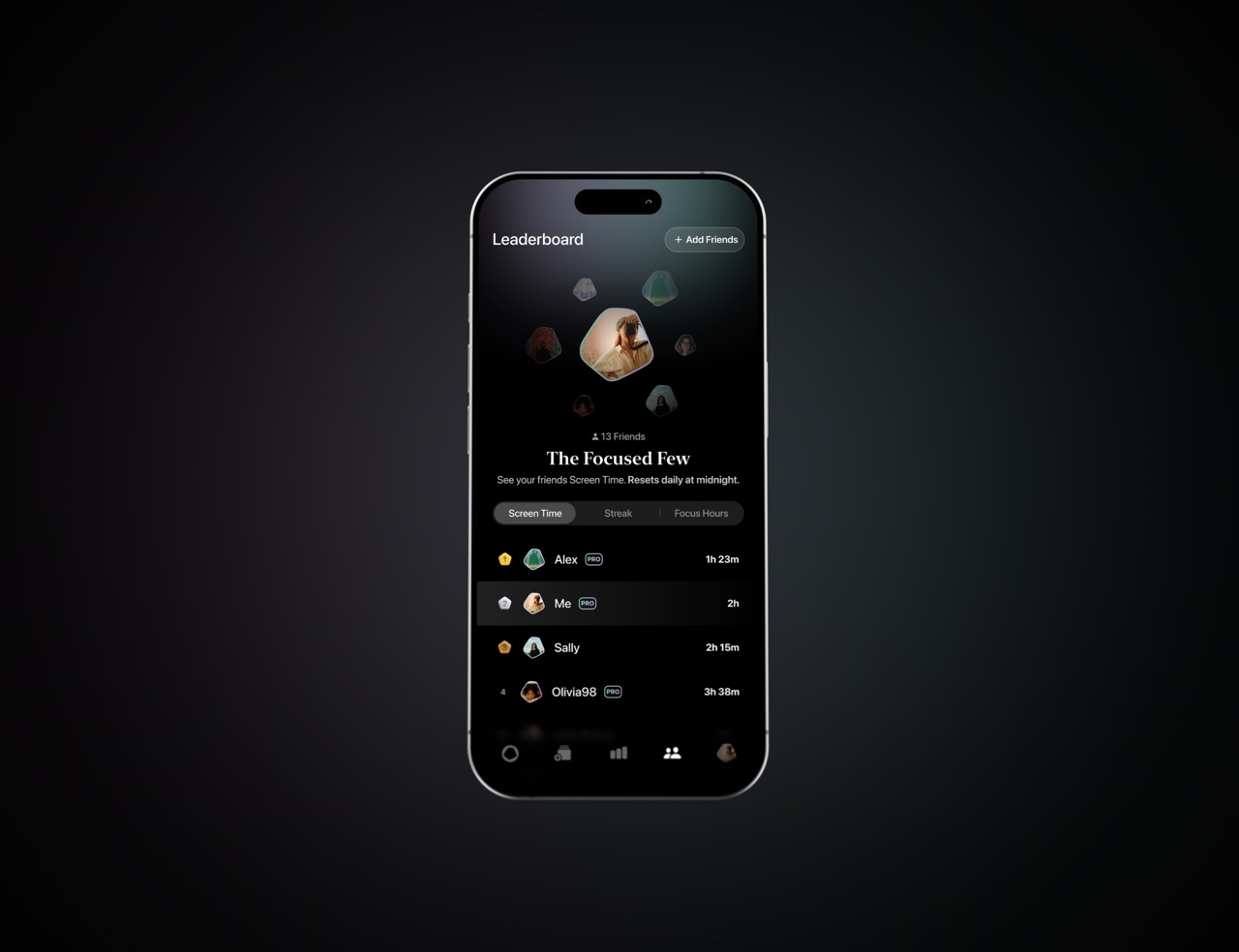
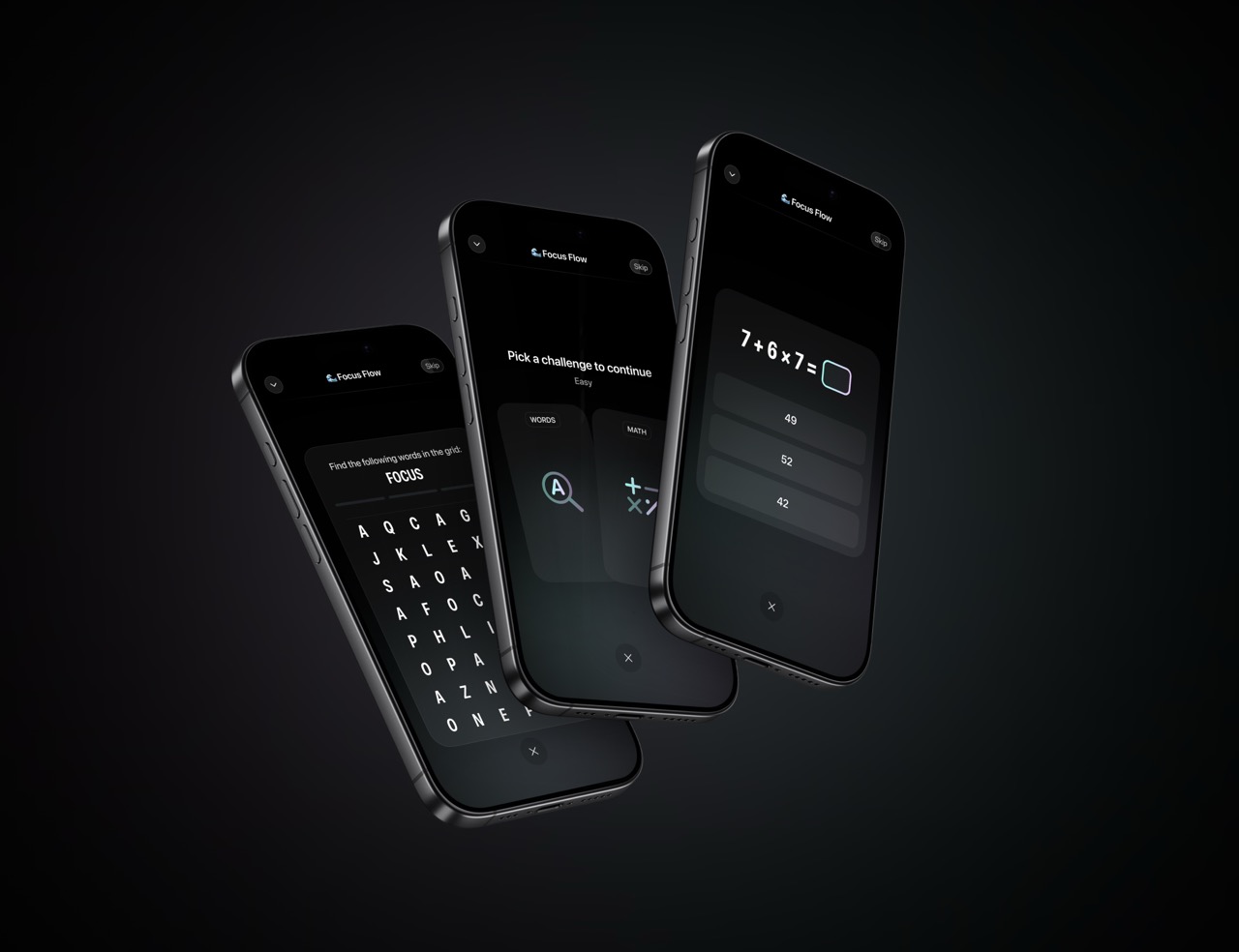
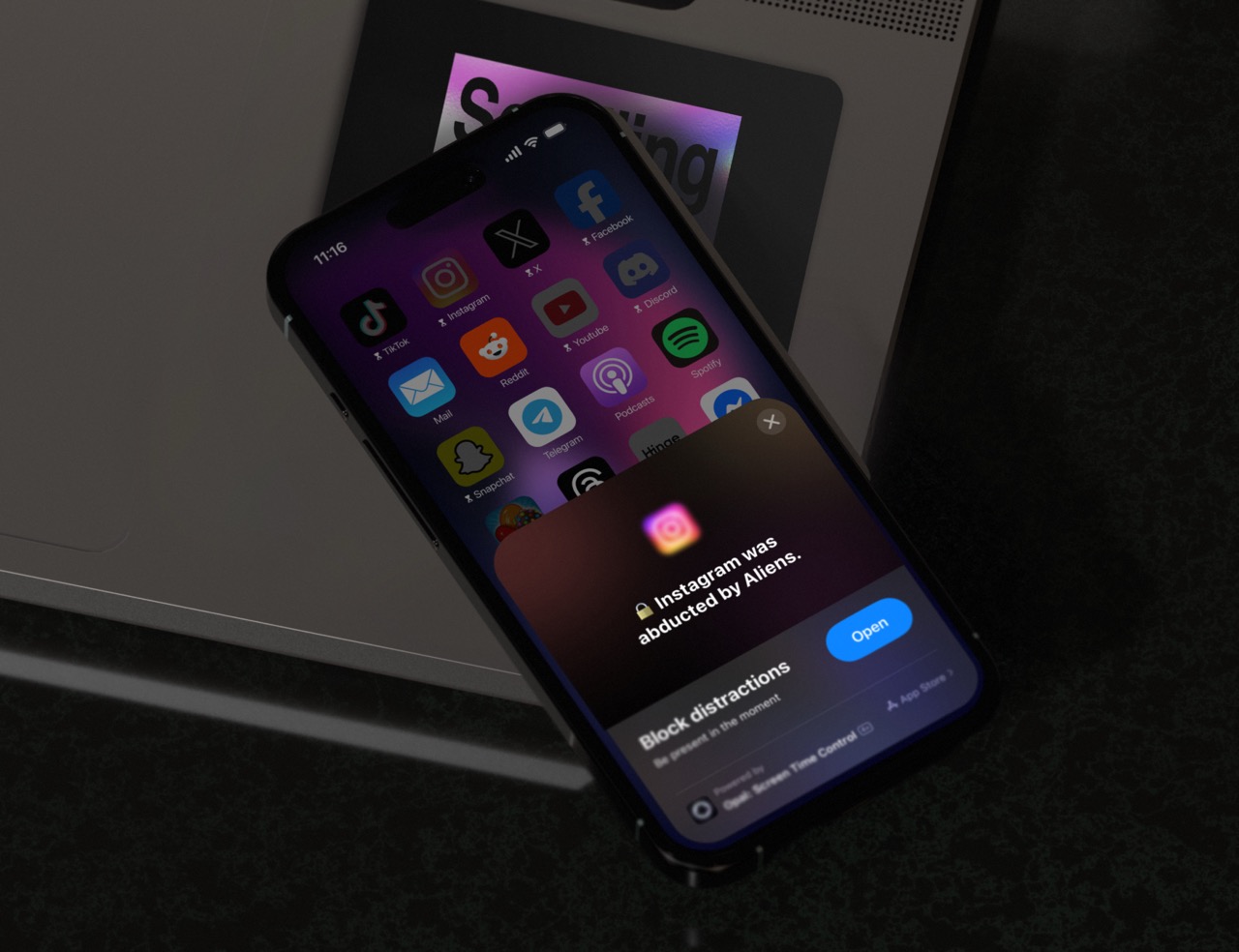
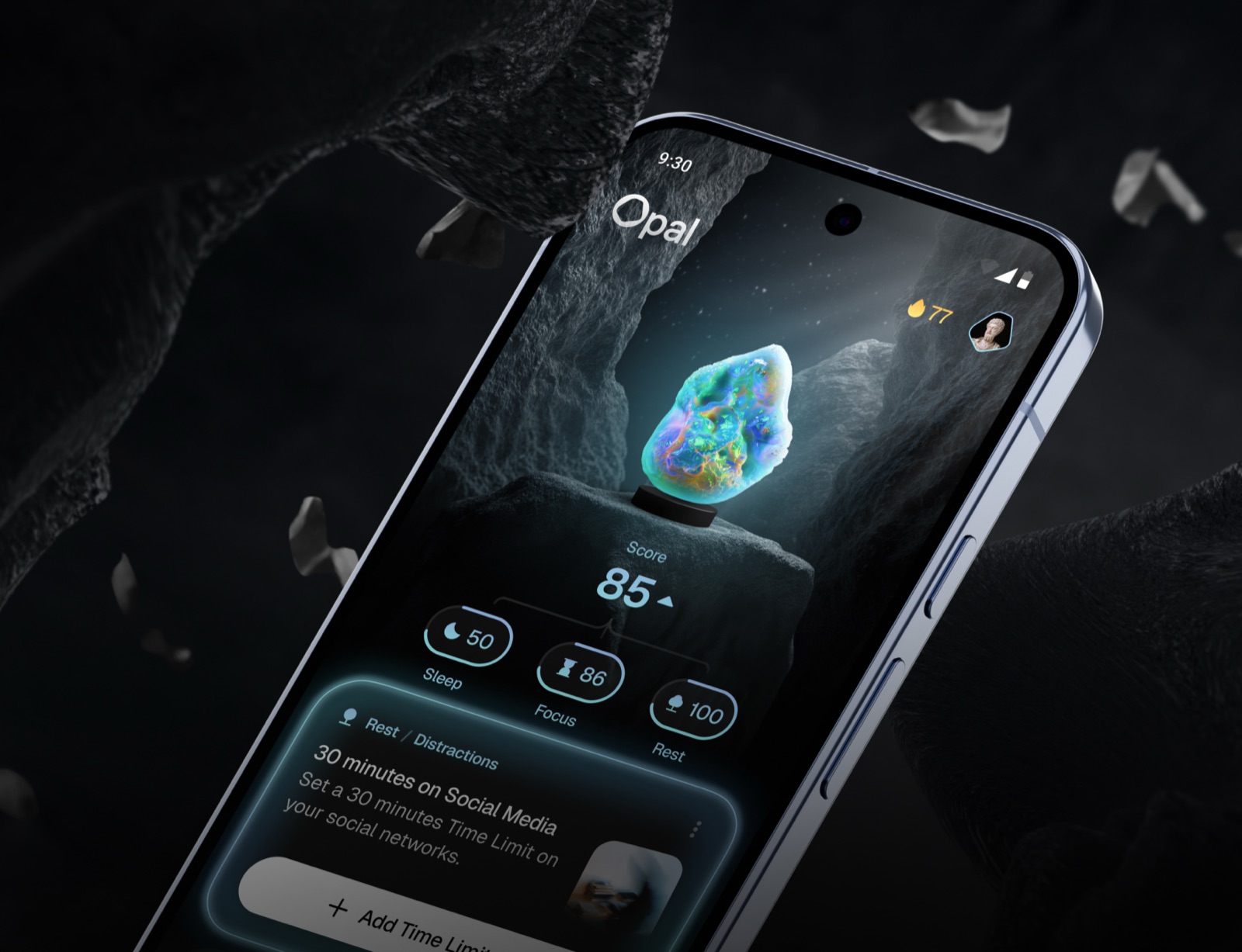
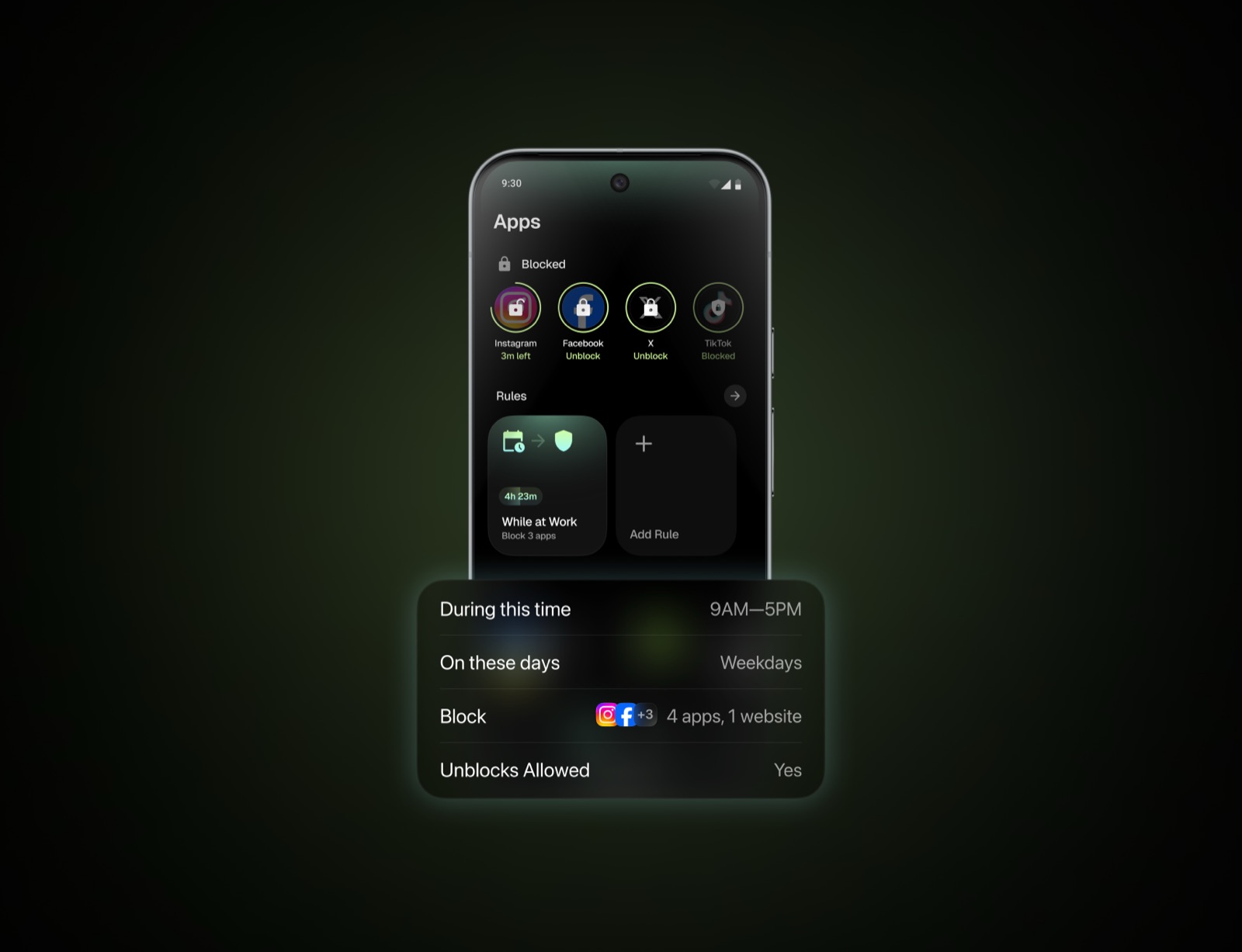
Official screenshots. Scroll to browse, hover to download. Do not crop or annotate.

iOS
Android
07 — Videos

App in Motion

Product videos showcasing Opal's key features. Click to play. Download for partner materials or social.

Home Screen
MP4
↓
Focus
MP4
↓
Streak
MP4
↓
Scrolling in Bed
MP4
↓
Park Scroll
MP4
↓
Milestone Gems
MP4
↓
08 — Assets

Brand Imagery

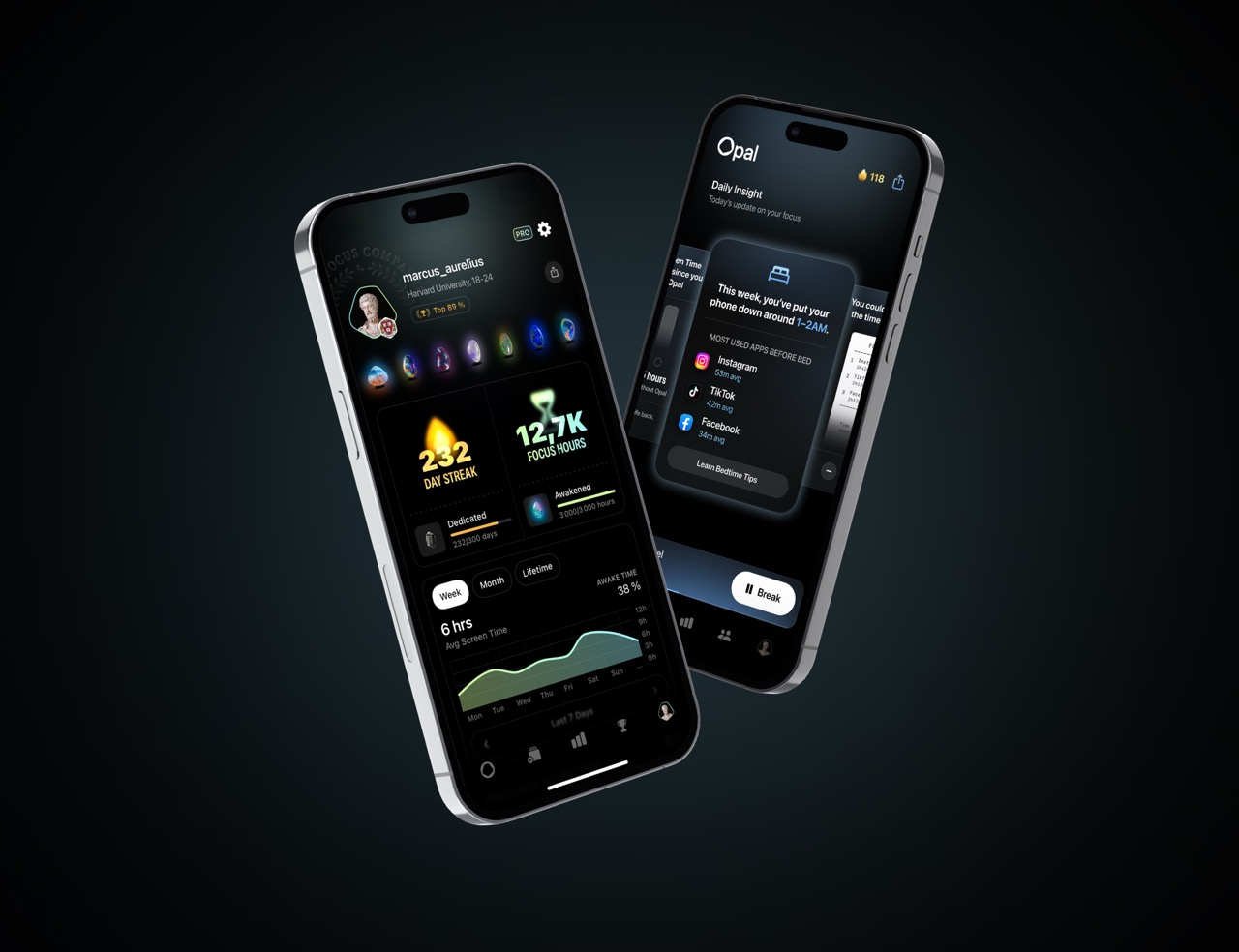
Key visuals for partner materials. Use only provided files.

Hero Visuals
Opal Hero with Logo
Opal Hero — With Logo ↓ JPG
Opal Hero Background
Opal Hero — Background ↓ JPG
Badges
Ratings App Store Ratings · ↓ ADA Apple Design Award Finalist · ↓
09 — Rules

Do's & Don'ts

Non-negotiable. Reach out before publishing if unsure.

Do

✓ Use white logo on dark/black backgrounds
✓ Use black logo on white/light backgrounds
✓ Maintain clear space around the logo
✓ Match optical height in co-branded placements
✓ Display gems on black backgrounds only
✓ Use provided files in original format
✓ Refer to the app as "Opal" — capital O
✓ Reach out if you need a variation

Don't

✗ Place white logo on light backgrounds
✗ Place black logo on dark or busy photos
✗ Stretch, rotate, skew, or distort
✗ Apply shadows, glows, or effects
✗ Recolor beyond pure white or black
✗ Crop the logo or cut off elements
✗ Recreate the logo from scratch
✗ Use gradients as backgrounds
✗ Apply filters to any asset
✗ Overlay text on gem sculptures
✗ Screenshot or re-export from the app
✗ Imply endorsement beyond agreed scope

10 — Download

All Assets

Tap a category to expand, then download individual files.

Logos & Crests4 files
▾
App Icon & Imagery3 files
▾
Focus Gems6 files
▾
App Videos6 files
▾
Badges2 files
▾
Screenshots18 files
▾
Fonts5 files
▾

Press Kit

Founder headshots, app videos, Olivia Unplugged content, and press releases.

View Press Kit →
11 — Contact

Questions?

Need a custom asset or have a use case not covered here? Reach out before publishing.

Brand: nour@opal.so
Press: kenneth@opal.so
Website: opal.so
Reach out →